





BIPort

Migrate Tableau to Power BI 3X Faster with AI

Migrate to Power BI with our AI-powered automation that ensures a seamless transition, zero downtime, and complete continuity across your analytics environment. 

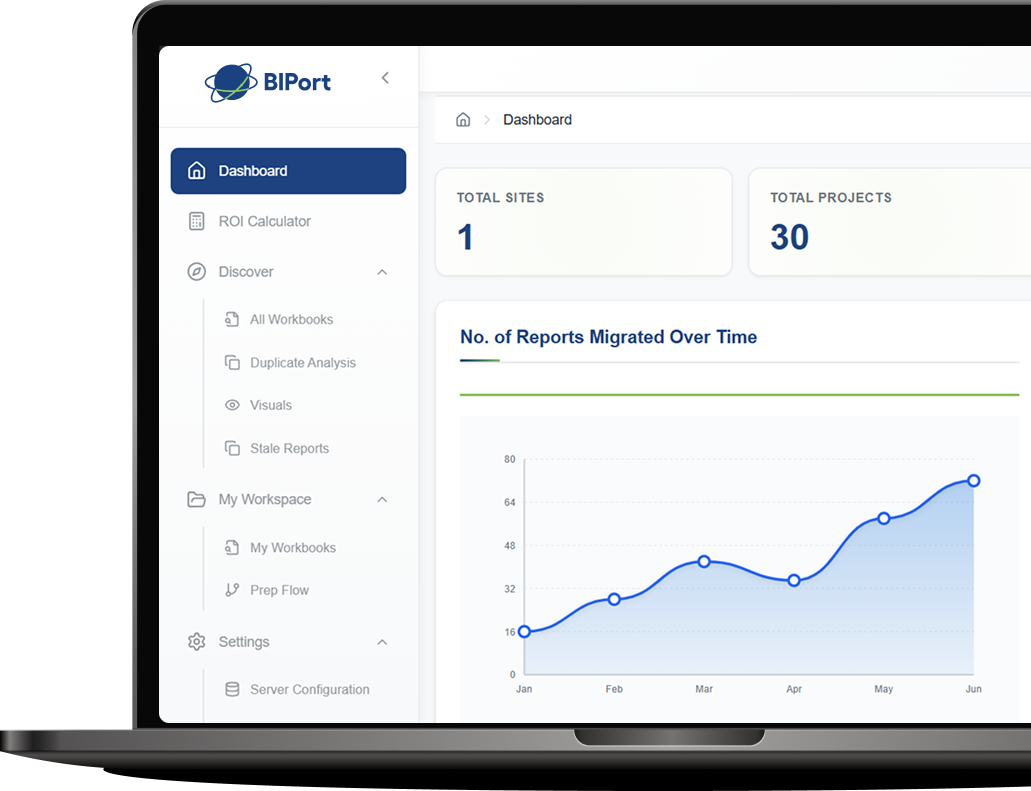
BIPort Dashboard Mockup Hero

Trusted at Scale. Proven in Production.

Organizations choose BIPort because it delivers at enterprise scale.

$24M+

saved for clients through reduced migration effort and optimized licensing

15K+

Tableau workbooks successfully automated and migrated to Power BI

50+

Fortune 2000 companies trust us across industries worldwide

More from our BIPort

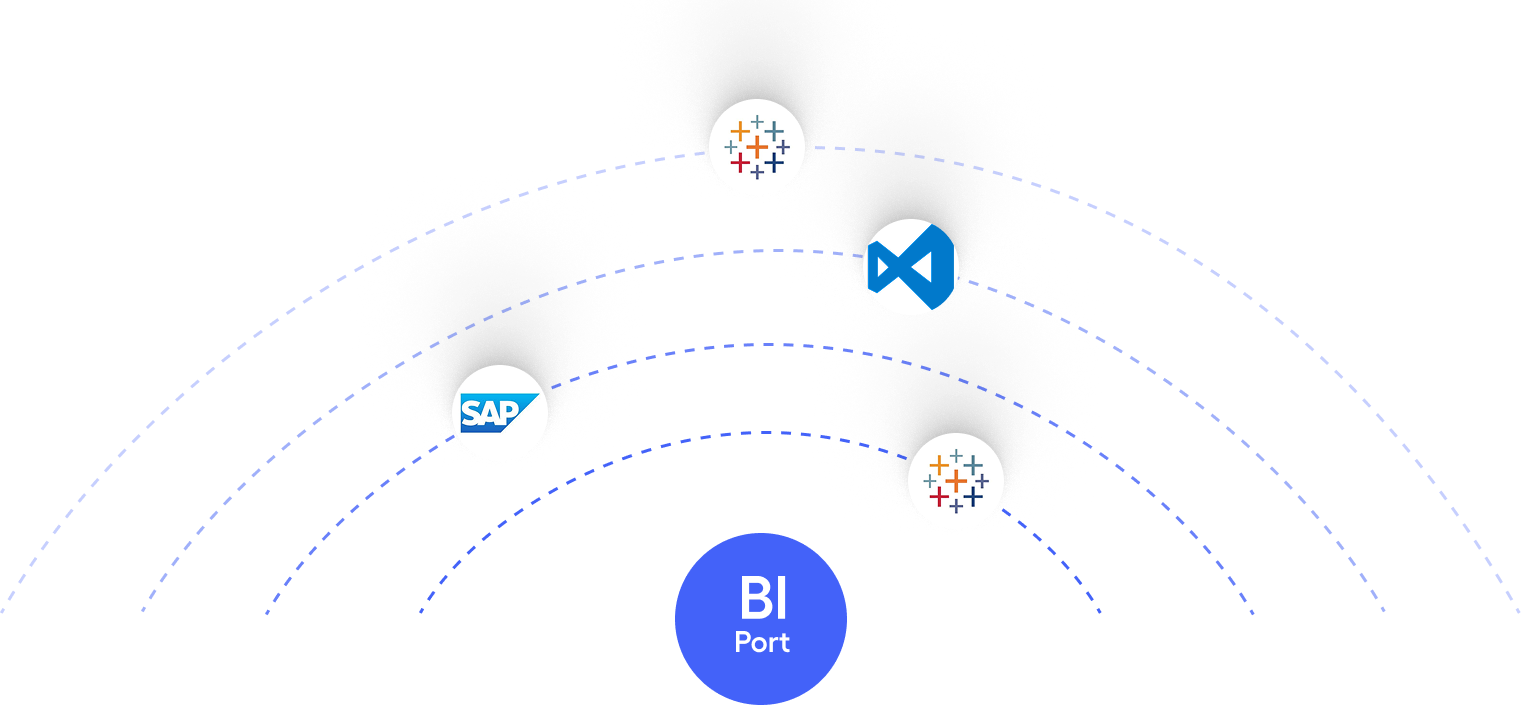
Explore additional migration accelerators from BIPort designed to simplify and automate your transition to Power BI across multiple BI platforms.

Tableau to Power BI Infographic

Tableau to Power BI

Automatically migrate Tableau dashboards, reports, and data models to Power BI with high accuracy. Preserve visuals, calculations, and filters while reducing manual rework and migration time.

SAP to Power BI Infographic

SAP to Power BI

Convert SAP reports and data structures into Power BI dashboards with automated mapping and transformation. Enable faster insights while modernizing legacy SAP reporting workflows.​

Crystal reports to Power BI Infographic

Crystal to Power BI

Transform Crystal Reports into interactive Power BI dashboards with automated conversion. Retain report logic while gaining modern visuals, performance, and self-service analytics.

How BIPort Delivers a Smooth, Zero-Disruption Migration

Our AI-powered automation preserves logic, structure, and insights while delivering a clean, scalable Power BI environment your teams can adopt quickly.

Intelligent Assessment

AI analyzes your existing BI environment to identify dependencies, dashboards, and data models.

Metadata & Semantic Models

Seamlessly recreate data hierarchies, relationships, and measures in Power BI without losing context.

Validation & Continuity

Data accuracy, report logic, and performance are validated to ensure consistent insights before go-live.

Optimization & Testing

Built-in validation ensures that the converted Power BI reports match the original Tableau logic and performance.
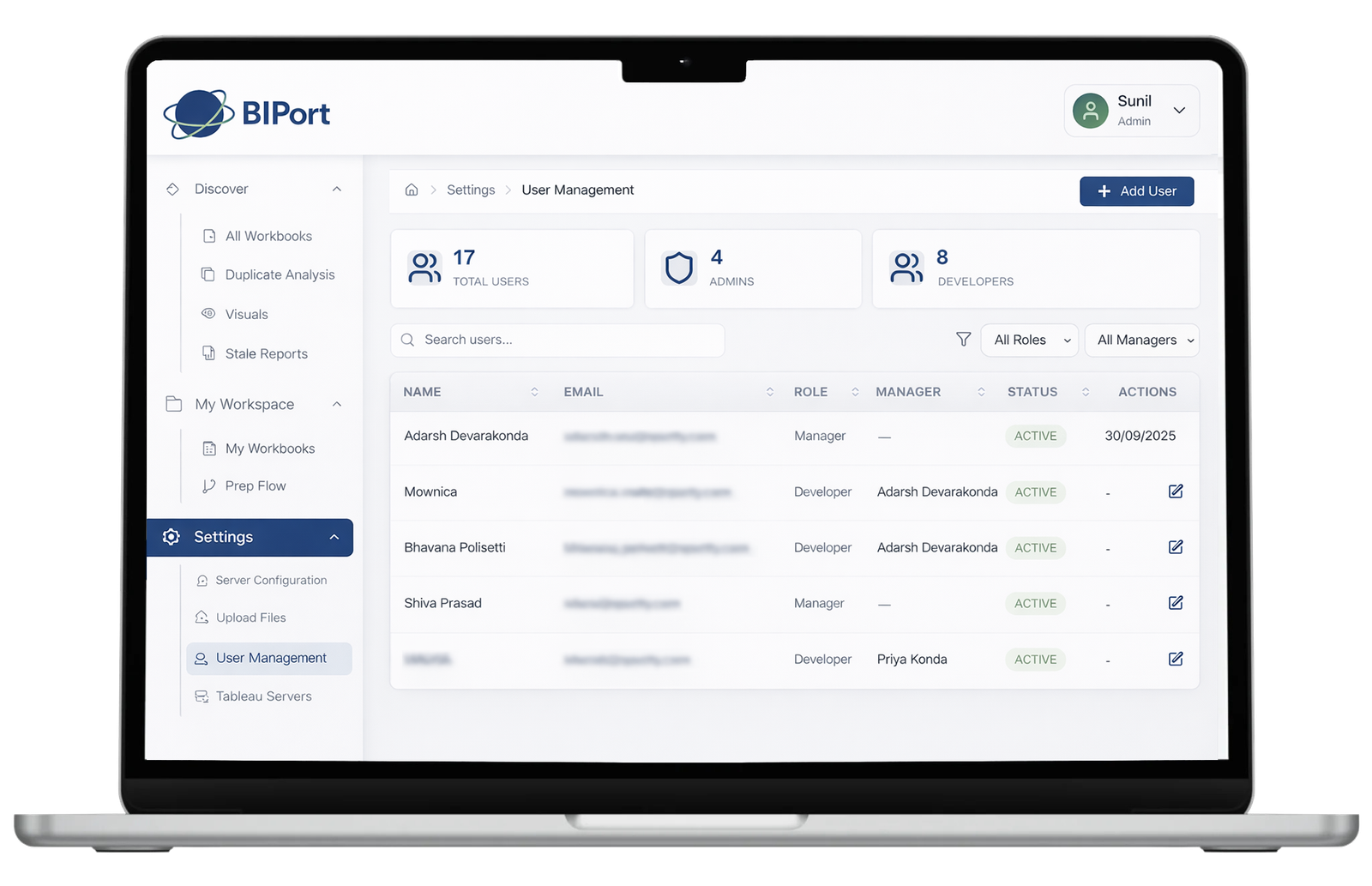
Our 3-Step Tableau to Power BI Migration Process

BIPort does the heavy lifting of the migration process with specialized utilities for analyzing, converting 

and migrating Tableau reports to Power BI.

Analyze

Quickly unlock and assess reports, identify key elements like data sources, joins, and worksheets

Convert

Convert complex Tableau calculated fields and columns into equivalent Power BI's DAX formulas

Migrate

Streamline the data transformation, report conversion, and metadata migration processes with automation
Testimonials

See how companies are transforming their BI landscape.

2000+

Reviews

4.4 ★

Rating on Microsoft

50+

Fortune brands trust us

We had hundreds of Tableau workbooks with deeply nested calculated fields. Manually rewriting them into DAX wasn’t realistic. Sparity preserved the semantic logic automatically, which saved weeks of analyst effort and reduced post-migration defects.
—Global Manufacturing Firm

I was impressed with BIPort delivery quality. Their engineers bring a ‘can-do’ attitude that helped us deploy solutions faster and with confidence.

Their expertise and dedication have made a significant positive impact on our organization.
—Leading Logistics firm
Power BI started as an experiment for one project. Our teams were able to finish the work in less time. But our older BI platform was still deeply embedded across teams. Sparity automated the migration of our existing reports, recreated semantic models, and validated results before go-live, allowing us to move forward without disrupting daily reporting.
—Australian Retailer
Working with BIPort has been outstanding. They strengthened our security posture on schedule and budget, and their architects proposed creative solutions that exceeded expectations.
—Healthcare firm
Our legal teams were spending hours on manual document verification. Sparity’s AI automation classified documents, extracted key clauses, and flagged exceptions, cutting manual effort and turnaround time significantly.
—A legal services organization
BIPort practical, complete design solutions resulted in a product our users truly loved. Their team balanced innovation with real usability.
—Data Analytics firm

Migration ROI Calculator

Know your migration cost and potential savings in seconds. Our ROI calculator delivers a quick, accurate view of your migration savings

Questions? We're Glad You Asked.

Find clear answers to common questions about BIPort, migration processes, and how everything works.

Does BIPort Migration use AI?

Yes. BIPort is AI-powered and automatically converts Tableau formulas to DAX, discovers reports, and migrates metadata eliminating manual work

Yes, entirely. BIPort handles report discovery, formula conversion, and dashboard recreation automatically. Migrations are 70% faster than manual approaches.

Not currently. BIPort specializes in Tableau to Power BI migrations. Fabric support is on our roadmap.

Timeline: Typically 6–8 weeks (automated portion takes days). 
Cost: Up to 70% savings vs. manual migration. Contact us for a custom quote. 

Dashboards, data models, calculated fields, parameters, filters, user permissions, and visualizations. Custom scripts may need minor adjustments.

No. BIPort automatically converts all Tableau logic to Power BI DAX. Zero code required.

Resolves data connectivity issues, formula translation errors, dashboard accuracy, security mapping, performance bottlenecks, and ensures zero data compromise.

Yes. BIPort has handled 100+ dashboards in weeks with automatic asset discovery and parallel processing.

Why Us

Feature
Manual Migration
BIPort AI Accelerator
Logic Translation
Manual rewriting of LODs to DAX
Automated AI mapping (95%+ accuracy)
Timeline
4–6 weeks per dashboard
3–5 days per dashboard
Semantic Layer
Rebuilt from scratch
Automatic recreation of relationships
Cost
High (Senior Developer Hours)
Low (70% reduction in TCO)
Future-Proofing
Static Power BI files
Microsoft Fabric-Ready (OneLake)